on rex too
Already living in Rex? Nest can move in.
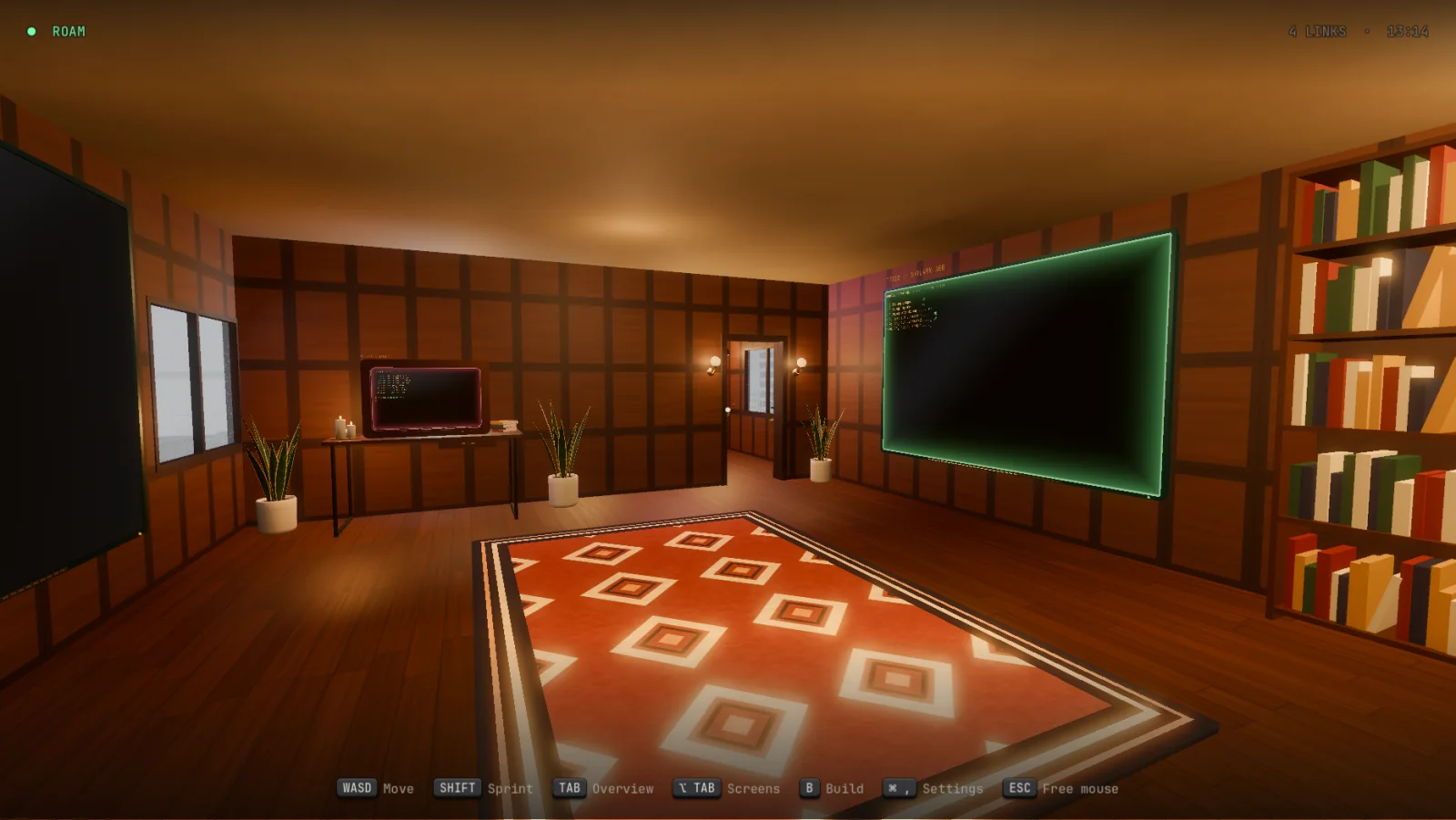
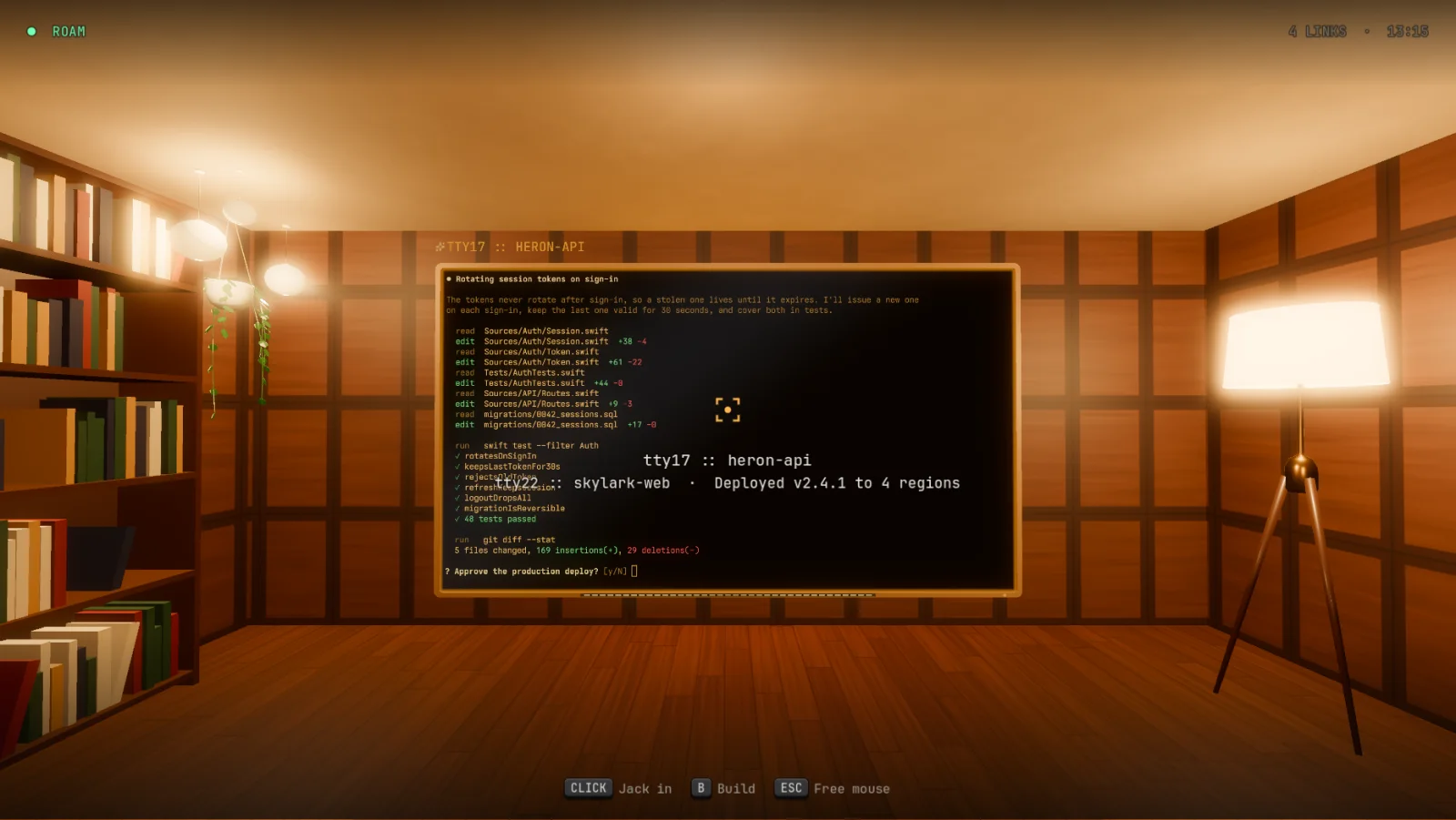
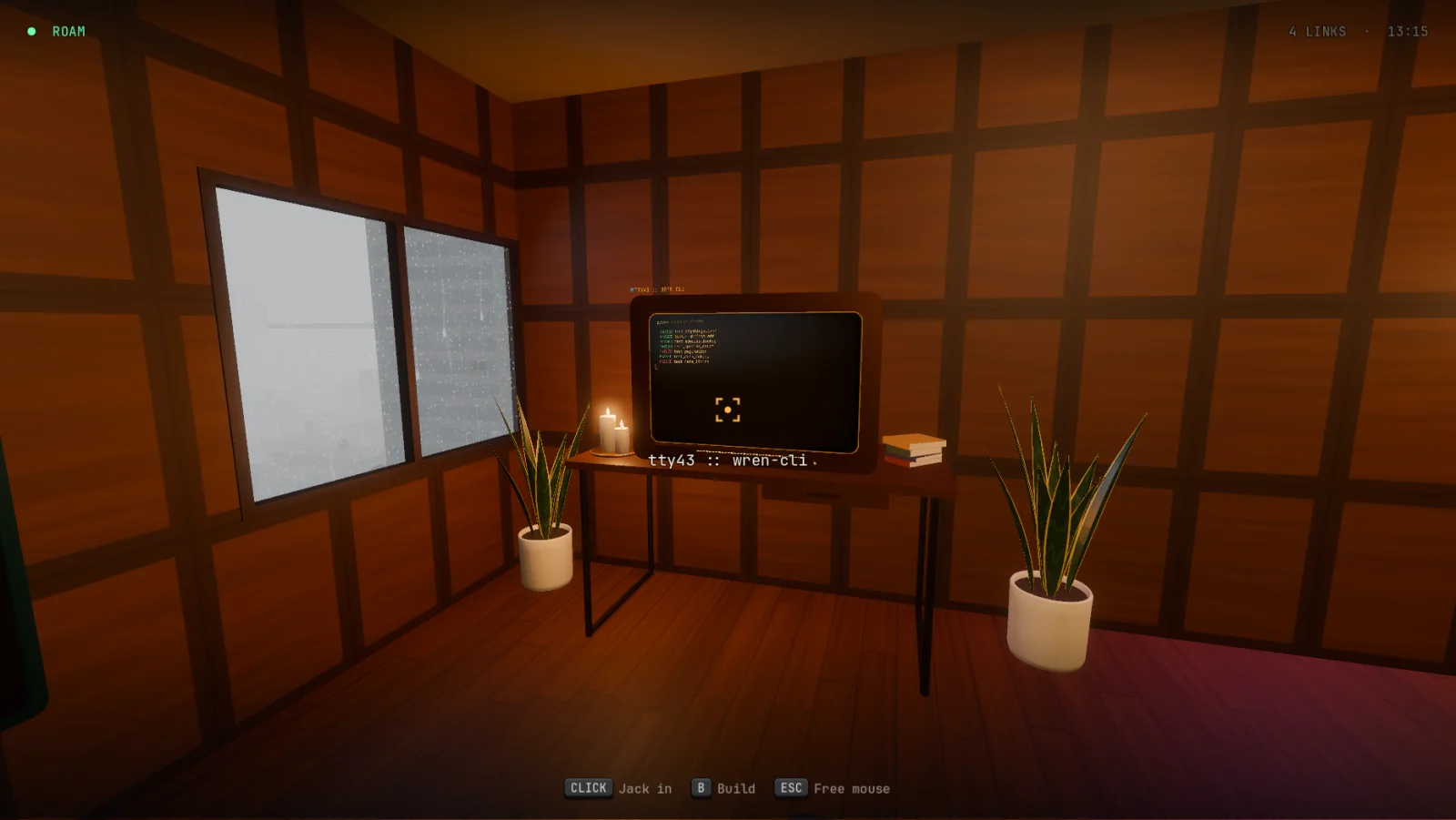
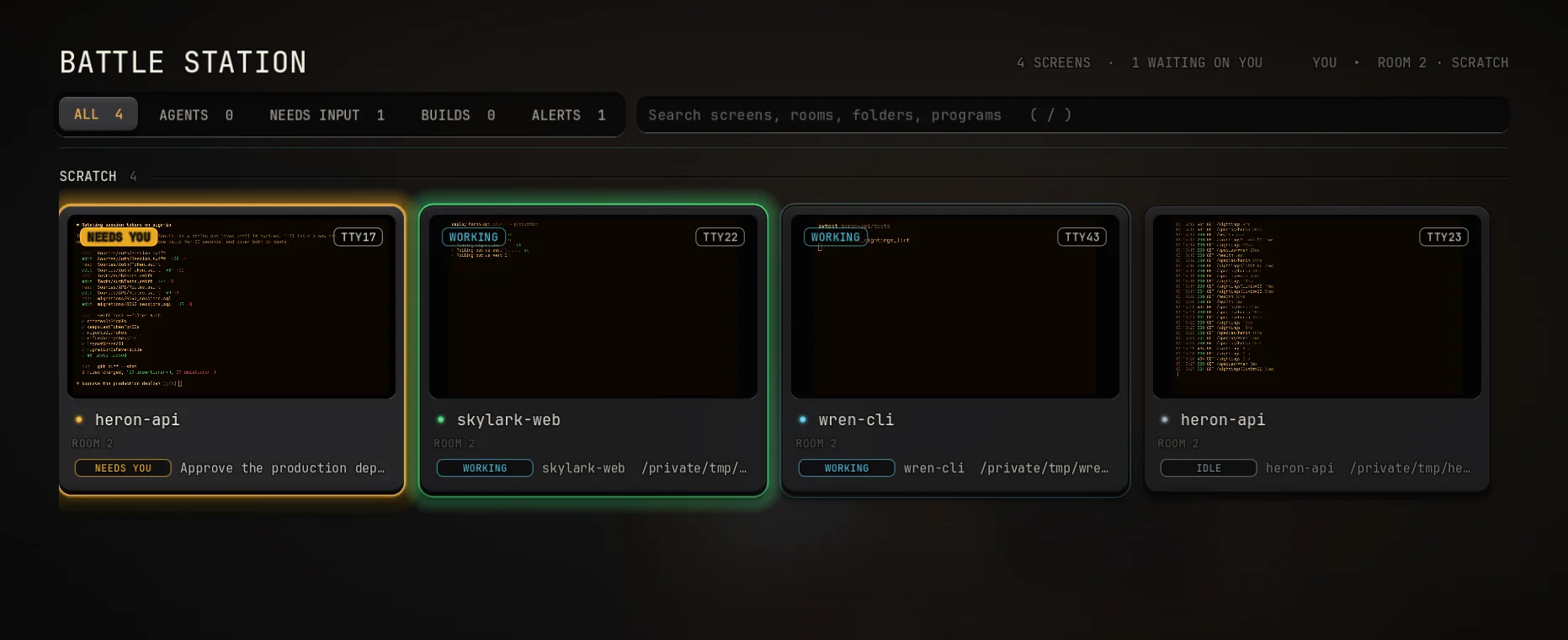
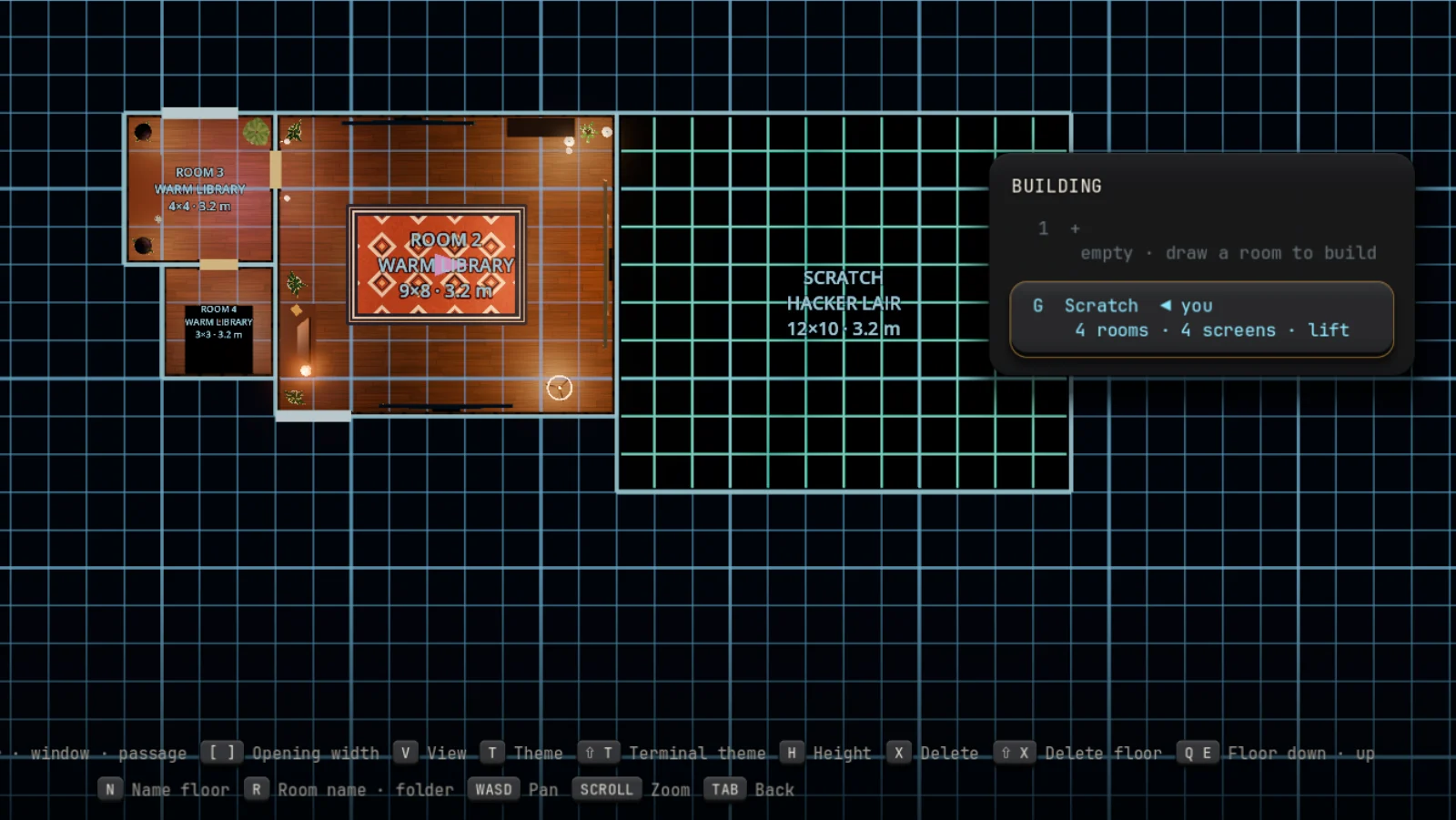
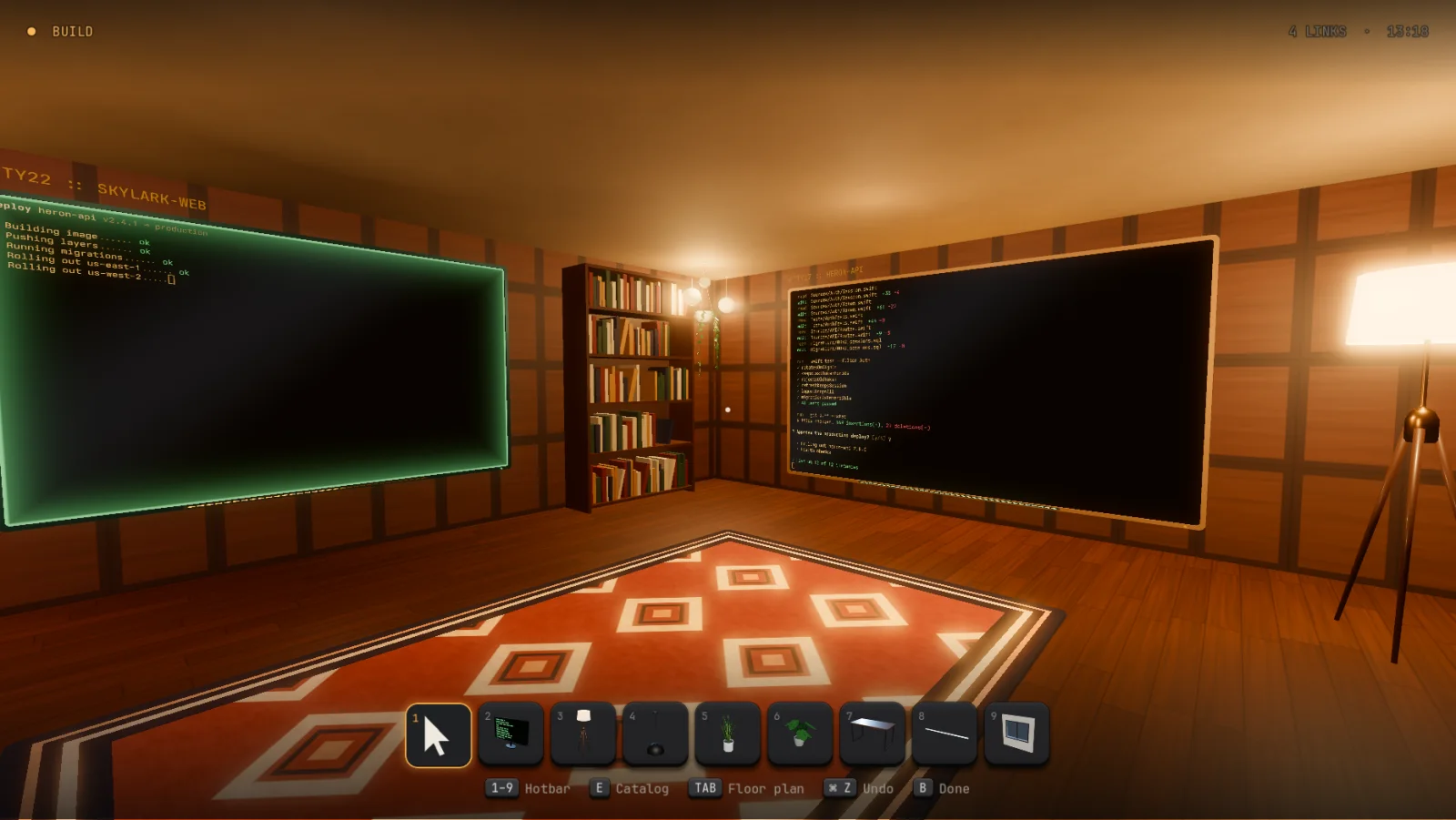
Nest also runs on Rex's server. Pick Rex in Settings → Hosts and you're walking through what Rex is already running: its sessions are floors, its windows are screens, and Nest keeps your house beside them.
Settings → Hosts
  This Mac
● Rex   Rex.app's server
        its sessions are floors,
        its windows screens
Shells that outlive the game
Your shells belong to birdie, a server that runs on its own. Quit Nest, update Nest, or crash Nest, and every build keeps going. Come back and they're on the walls where you left them.
Other machines are other houses
Run the server on a Linux box or another Mac and pair with it. Then Settings → Hosts walks you into that machine's house and shells. birdie ls, attach and send still work over plain ssh.
Programs can say what they're doing
One escape sequence, OSC 7501, and the LEDs in a screen's bezel sweep or fill with progress, and its tab's keycap shows a ring, a check, a cross, or a mark when it's blocked on you.
$ nest status working "Deploying" --progress 40
A house programs can read
Shells know where they are. nest whoami gives the screen, room, floor and folder. nest screens --json gives every pane in the house, so an agent can tell what's running down the hall.
Fast where it counts
While you're jacked in, the frame rate lifts to your display's, 120 Hz on a ProMotion Mac, and screens out of the picture stop drawing. Get up and it drops back to the cap.
Keys are yours
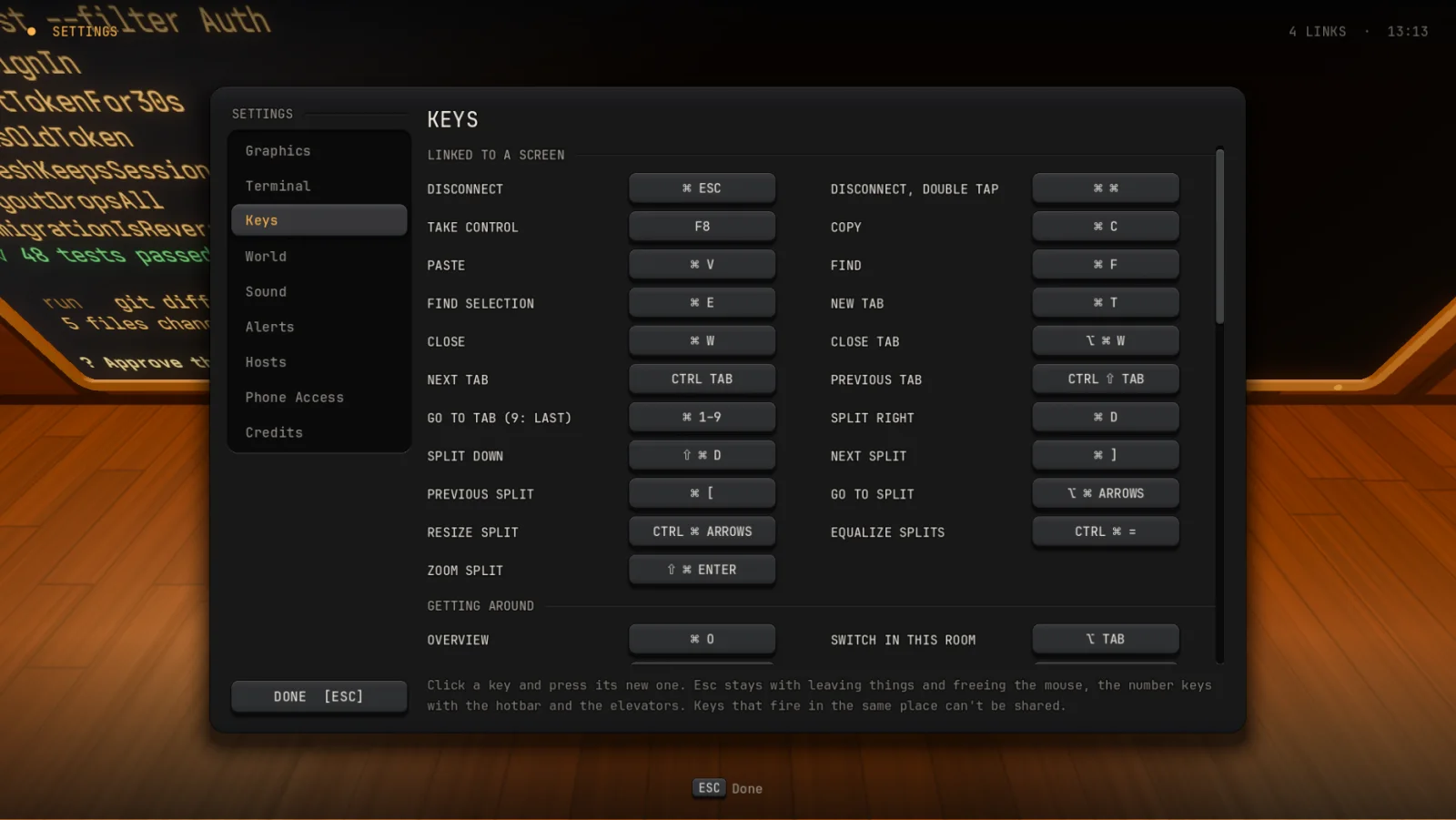
Disconnecting, tabs and splits, the switcher, walking, building: nearly every key can change. Settings shows what clashes, and how to get each one back.